15/17 Suny Jigide Street, By Celestial Way, Ogudu Lagos.
Mon-Fri 08:00 AM - 05:00 PM
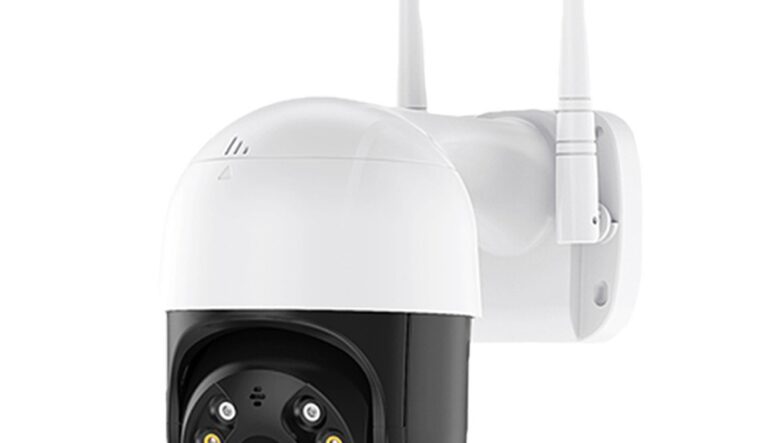
Smart homes are no longer the stuff of science fiction. From voice-controlled lighting to app-managed security cameras, home automation brings comfort, convenience, and efficiency into our daily lives.
But here’s the truth many overlook: every connected device in your home is also a potential entry point for cybercriminals. Without proper protection, your “smart” home could become a hacker’s playground.
Here’s how to make your home automation system both smart and secure.
Your smart lights, cameras, and thermostats all run on your home Wi-Fi. If your network isn’t secure, neither are they.
Change the default Wi-Fi name (SSID) to something non-identifiable.
Use WPA3 encryption if your router supports it (WPA2 at minimum).
Create a separate network for smart devices, and keep it isolated from your laptops and phones.
Many smart devices ship with simple, factory-set passwords.
Change them immediately after installation.
Use a password manager to create and store strong, unique passwords for each device and app.
Home automation devices regularly receive updates to fix security flaws.
Turn on automatic updates in device settings.
For devices that don’t auto-update, set a monthly reminder to check for firmware updates.
If your home automation hub or mobile control app supports it, enable 2FA.
Even if someone guesses your password, they can’t access your system without the second code.
Use an authenticator app instead of SMS where possible for added security.
Not every device needs to “talk” to every other device.
Review your automation rules, and avoid unnecessary connections between unrelated devices.
Turn off unused features like remote access if you don’t need them.
Many hubs and routers let you see a list of connected devices.
Periodically check for unfamiliar devices.
Use a network monitoring tool or your router’s app to receive alerts when a new device connects.
Cybersecurity isn’t only digital; physical access matters too.
Place smart hubs, routers, and controllers in secure locations.
For outdoor smart devices like cameras, use tamper-resistant mounts.
A secure smart home isn’t just about tech; it’s about habits.
Teach family members how to spot phishing links in emails or texts.
Explain why they shouldn’t install random apps that might connect to your home network.
Home automation can make life easier, but it can also open the door to cyber risks if left unsecured.
By following these steps, securing your network, updating devices, and staying alert, you can enjoy all the benefits of smart living without the headaches of a cyber breach.
Core-Power Engineers specializes in smart home integration and cybersecurity. From installing secure automation systems to monitoring network health, we make sure your home stays connected and protected.
Contact us:
Call / WhatsApp (+234) 9130003339 (Office)
